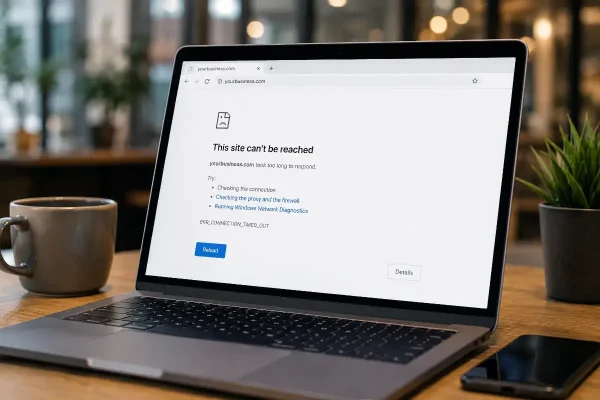
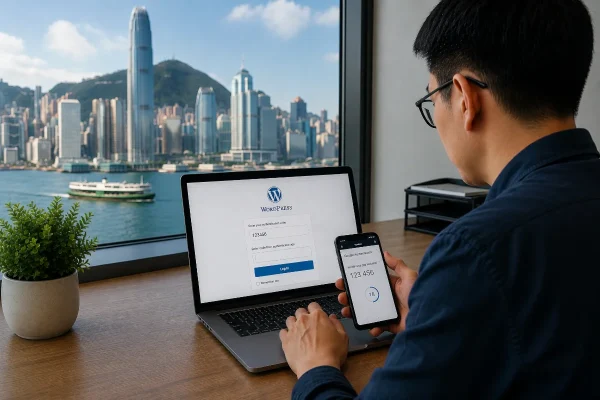
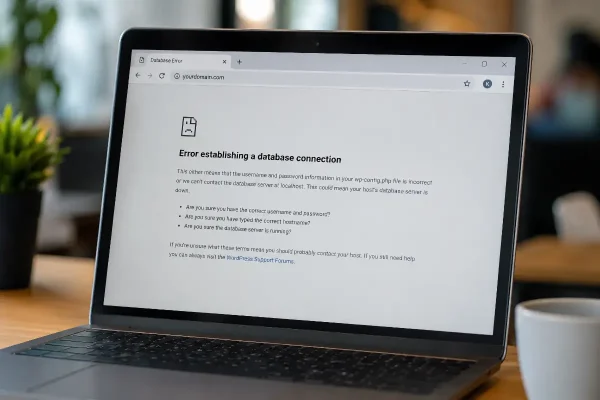
WordPress is a strong platform, but it needs care. Most website problems do not start with a dramatic attack. They often begin with something simple: a weak password, an old plugin, a forgotten admin account, or a login page that is too easy to target.
Good security is usually a set of habits. Each one reduces risk a little. Together, they make your website harder to break into and easier to recover if something goes wrong.
This article covers practical things you can do to protect your WordPress website without turning it into a technical project.
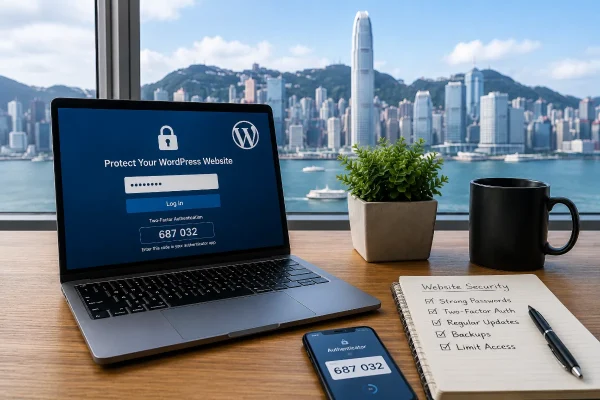
Start With Strong Passwords
A weak password is still one of the easiest ways into a WordPress website.
Avoid passwords based on your business name, your own name, your location, or anything someone could guess from your website or LinkedIn profile. For example, a password like HongKong2026! may look acceptable, but it follows a very common pattern.
Use long passwords instead. A password manager can create and store them for you, which removes the need to remember every login.
A better approach is:
- Use a password manager
- Create unique passwords for every account
- Avoid sharing passwords through email or chat
- Remove old user accounts when people leave your business
- Never reuse your WordPress password for hosting, email, or banking
This matters because many attacks do not “hack” the website in the way people imagine. They simply try known passwords from previous data breaches.
Use Two Factor Authentication
Two factor authentication, often called 2FA, adds another check when someone logs in. Even if a password is stolen, the attacker still needs the second code from an authenticator app or another approved method.
This is one of the most useful security improvements you can make to a WordPress website.
I have written a separate article on this topic here.
In that article, we explain why 2FA matters and how it helps protect your WordPress login from common attacks.
For most small business websites in Hong Kong, I would recommend enabling 2FA for administrator accounts at minimum. If you have editors, developers, marketing staff, or external agencies accessing the site, apply it to them as well.
Remove Unused Administrator Accounts
Many WordPress websites have more administrator accounts than they need.
Sometimes this happens because a developer created an account years ago. Sometimes a marketing contractor had access for a campaign and the account was never removed. In other cases, the business owner has several admin accounts because they forgot which one they used.
Every admin account is a possible entry point.
Check your WordPress users and ask:
- Who really needs administrator access?
- Can this person use an editor role instead?
- Is this account still used?
- Does this account have 2FA enabled?
As a rule, keep administrator access limited. Give people the lowest level of access they need to do their work.
Change the Default Login Behaviour
Most WordPress websites use a standard login path. Attackers know this and often target it automatically.
Changing or hiding obvious login paths can reduce noisy login attempts. This does not replace proper security, but it can make your website less exposed to basic automated attacks.
You can also limit login attempts, block repeated failed logins, or use firewall rules to reduce brute force activity.
This is one of those areas where it helps to be careful. Some login changes can lock out real users or interfere with plugins if they are done badly. Test before making changes on a live business website.
Remove Obvious Slugs and Public Clues
WordPress can expose information through URLs, author archives, usernames, plugin paths, and predictable page slugs.
For example, if your website shows an author archive like:
/author/james/
it may reveal a valid username. That gives attackers one half of the login puzzle.
You can reduce this risk by:
- Avoiding public display of usernames
- Changing author slugs where appropriate
- Using display names that are different from login names
- Removing unused author archive pages
- Cleaning up old test pages and draft content
- Avoiding obvious admin or staging URLs
This kind of work is small, but it helps. Security is often about removing unnecessary clues.
Keep WordPress, Themes, and Plugins Updated
Outdated plugins are a common source of WordPress security problems.
This does not mean you should click “update everything” without thinking. A rushed update can break layouts, forms, payment pages, booking tools, or multilingual content. That risk is higher when a website has custom code or older plugins.
A better update process looks like this:
- Back up the website first
- Update plugins regularly
- Remove plugins you no longer use
- Check the website after updating
- Test forms, checkout pages, booking tools, and key landing pages
- Review plugin quality before installing anything new
For a business website, plugin selection matters. A plugin with poor maintenance can become a liability.
Use a Web Application Firewall
A web application firewall can help block common attacks before they reach your website.
It can reduce spam login attempts, block suspicious traffic, and protect against known attack patterns. Some hosting providers include firewall protection. Others require a separate service or security plugin.
For Hong Kong businesses with customers across the Greater Bay Area, website performance also matters. Security tools should protect the site without slowing it down for real users.
This is where configuration matters. Installing a security plugin is easy. Setting it up properly is the useful part.
Back Up the Website Properly
Backups are not glamorous, but they are essential.
A backup is only useful if it can be restored. Many website owners assume their site is backed up because a plugin says so, but they have never tested the restore process.
A good backup setup should include:
- Regular scheduled backups
- Offsite storage
- Database and file backups
- Retention for several backup points
- A tested restore process
If your website supports sales, bookings, enquiries, memberships, or client portals, you need to think carefully about backup frequency. A brochure website may only need daily backups. An active ecommerce website may need more frequent protection.
Choose Hosting That Takes Security Seriously
Cheap hosting can become expensive when something goes wrong.
Good WordPress hosting should include server level security, malware scanning, SSL support, backups, and responsive support. It should also be kept updated behind the scenes.
For businesses in Hong Kong, hosting location and performance should be considered as well. If most of your customers are in Hong Kong, Macau, Shenzhen, Guangzhou, or the wider Greater Bay Area, your website should load quickly for those users.
Security and speed are connected. A slow, overloaded server can make maintenance harder and leave your website more exposed.
Be Careful With Plugins
Plugins are one of the best parts of WordPress. They are also one of the easiest ways to create risk.
Before installing a plugin, check:
- When it was last updated
- Whether it supports your version of WordPress
- How many active installations it has
- Whether the developer appears reliable
- Whether you really need it
Avoid installing three plugins when one well maintained plugin can do the job. Every plugin adds code to your website. More code means more things to maintain.
Also remove inactive plugins. Deactivated does not always mean harmless.
Protect Forms and Comments
Contact forms are often targeted by spam bots. If your website has enquiry forms, booking forms, newsletter forms, or comment areas, they need protection.
Useful options include spam filtering, CAPTCHA alternatives, rate limiting, and form validation. The goal is to reduce junk without making the form annoying for real customers.
This is especially important for service businesses. A broken or spam filled enquiry form can quietly cost you leads.
Monitor the Website
You cannot protect what you never check.
Website monitoring can alert you when the site goes offline, when malware is detected, when plugins need updates, or when unusual activity occurs.
At a basic level, you should know whether:
- the site is online
- forms are working
- backups are running
- security scans are clean
- plugins and themes are outdated
Small issues are easier to fix early. A hacked website that has been infected for weeks can take much longer to clean.
What Asporea Digital Can Help With
Asporea Digital can help small businesses improve WordPress security without making the website difficult to manage.
This may include:
- Reviewing administrator accounts and login settings
- Setting up two factor authentication
- Improving password and user access practices
- Removing obvious security clues such as exposed usernames or risky slugs
- Reviewing plugins and removing unnecessary ones
- Setting up backups and checking restore options
- Configuring security tools and firewall rules
- Keeping WordPress, themes, and plugins maintained
- Monitoring website health and uptime
- Cleaning up old website content, test pages, and unused features
The aim is practical protection. Sensible work that reduces risk and keeps your website running properly.
A Sensible Place to Begin
Start with the basics: strong passwords, fewer administrator accounts, two factor authentication, regular updates, and reliable backups.
Those five things already put your website in a much better position than many small business sites.
After that, review login protection, plugin quality, exposed slugs, hosting, and monitoring. You do not need to do everything in one day, but you do need a clear maintenance rhythm.
For help securing and maintaining your WordPress website, contact Asporea Digital – your HK based WordPress specialists.